

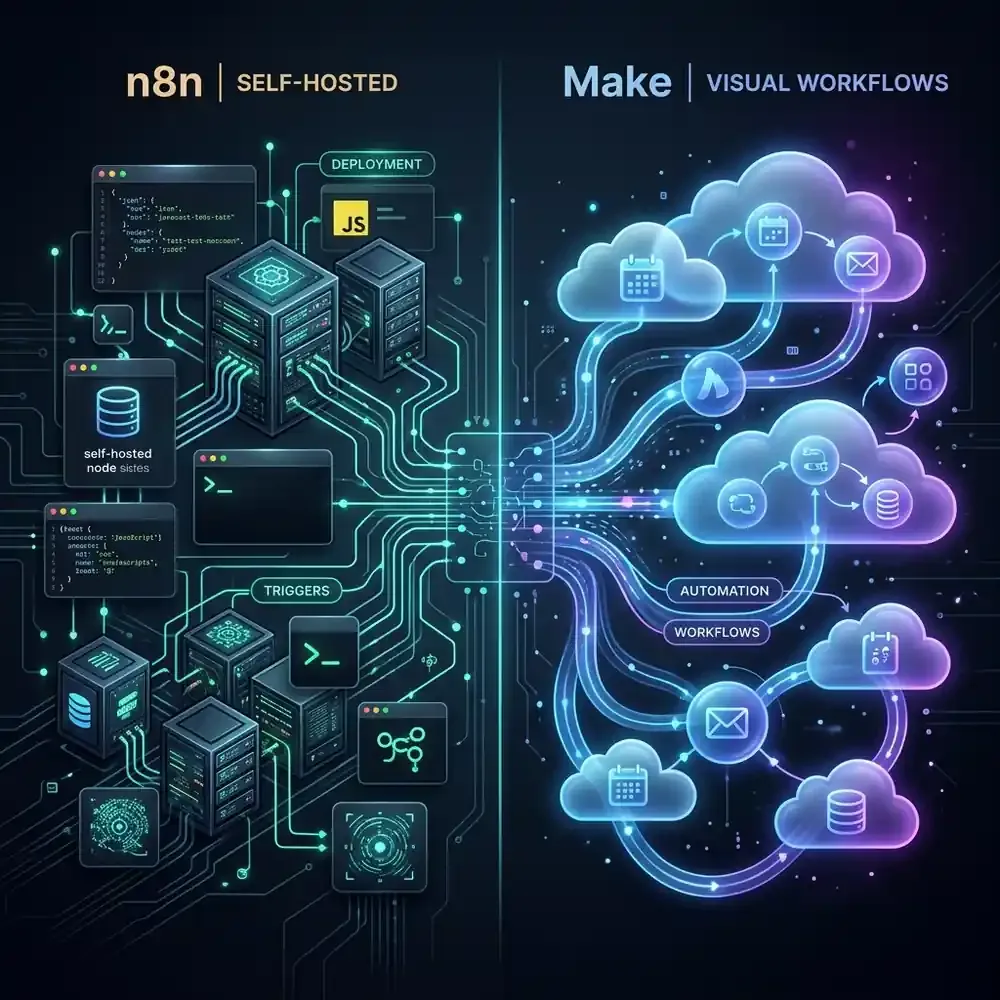
The Automation Scaling Trap
Most companies start their automation journey the same way: an ambitious operations manager signs up for Zapier or Make.com, connects a CRM to a Slack channel, and feels like a wizard. But what happens 18 months later?
I recently consulted for a mid-sized healthcare recruitment firm that hit a wall. They had built a massive, "gnarly" web of automations to screen candidate resumes using AI, update databases, and schedule interviews. It worked beautifully—until their monthly Make.com bill spiked to thousands of dollars because their complex AI agents were burning through "operations" at a staggering rate. Worse, their IT director was losing sleep over the fact that highly sensitive patient and candidate data was being processed on a third-party cloud.
"We built a Ferrari engine of automation, but we were paying for gas by the drop. Every time an API call fired, I heard a cash register ringing."
When you scale beyond basic "if this, then that" tasks, the platform you choose becomes an infrastructure decision, not just a software preference. Today, the battle for serious business automation comes down to two heavyweights: n8n and Make.com. Here is the ultimate deep dive to help you decide.
1. The Pricing Paradigm: Variable Costs vs. Fixed Infrastructure
TL;DR: Make.com charges you per operation. Self-hosted n8n charges you zero for operations, shifting the cost to fixed server hosting.
The most profound difference between these two platforms is how you pay for them.
Make.com operates as a managed SaaS. You are billed based on the number of "operations" (steps) your workflow executes. If you have a workflow with 10 steps, and it runs 1,000 times a day, you consume 10,000 operations. For small to medium workflows, Make is incredibly cost-effective. But if you begin building AI agents that loop through data, scrape websites, and parse JSON arrays, you will burn through your quota in hours. You are effectively penalized for building complex logic.
n8n (Self-Hosted) flips this model. Because n8n operates under a "Fair-code" license, you can deploy it on your own server (like AWS, DigitalOcean, or Hetzner). n8n does not charge you a dime for how many workflows you run or how many steps they take. There are absolutely zero artificial execution limits. Your only constraint is the hardware. For a fixed cost of $20-$40 a month in server hosting, you can run millions of operations.
Cost at Scale Comparison
| Execution Volume | Make.com (Estimated) | n8n Self-Hosted (Server Cost) |
|---|---|---|
| 10,000 ops / month | $10.59 / month | ~$15.00 / month (VPS) |
| 100,000 ops / month | $84.15 / month | ~$15.00 / month (VPS) |
| 1,000,000+ ops / month | Enterprise Pricing ($$$) | ~$40.00 / month (Upgraded Server) |
2. Data Sovereignty and Security
TL;DR: Regulated industries cannot send data to third-party clouds. Self-hosted n8n keeps all data on your private servers.
If you are in finance, healthcare, legal, or government contracting, security is not a feature—it is a legal requirement. When you use Make.com, your data (customer emails, API keys, financial records) passes through Make's servers located in the US or EU. While Make is highly secure (SOC 2 Type II and GDPR compliant), strict corporate IT policies often forbid routing sensitive data through external SaaS providers.
This is where n8n dominates. When you self-host n8n, the software lives inside your company's Virtual Private Cloud (VPC). The data never leaves your infrastructure. You own the logs, you control the firewall, and you hold the encryption keys. For businesses requiring HIPAA or OSFI compliance, self-hosted n8n is often the only viable option between the two.
3. The Build Experience: Visual Polish vs. Developer Power
TL;DR: Make.com is a beautiful visual playground for business users. n8n is an unconstrained powerhouse for developers.
Building in Make.com is a joy. The interface consists of floating, pulsing bubbles that you connect together. It handles complex data mapping beautifully, and its error-handling queues allow you to easily see where a workflow broke, fix the data, and resume execution. It is the gold standard for empowering non-technical marketing and operations teams to build their own tools.
n8n looks and feels like it was built by developers, for developers. It supports raw JavaScript execution flawlessly inside nodes. You can copy and paste entire workflows as JSON code. It has deep, native integrations with AI frameworks like LangChain, making it the undisputed king for building autonomous AI agents and RAG (Retrieval-Augmented Generation) pipelines. However, its learning curve is significantly steeper. If you don't understand basic JSON structures, n8n will frustrate you.
4. The Hidden Cost of Self-Hosting
Before you cancel your Make.com subscription to spin up an n8n server, you must understand the hidden cost: Maintenance overhead.
When Make.com goes down, it's Make's problem. Their engineers wake up at 3:00 AM to fix it. When your self-hosted n8n server runs out of RAM because a recursive loop went wild, it is your problem. You are responsible for Docker updates, database backups, SSL certificate renewals, and scaling the infrastructure. If you do not have a capable DevOps or IT person on staff, the "free" operations of n8n will cost you dearly in downtime and stress.
Note: n8n does offer a Managed Cloud version, but you lose the unmetered execution benefits, putting its pricing on par with Make.com.
The Final Verdict
So, which platform should you choose to scale your business?
- Choose Make.com if: You have a non-technical team, you want zero server maintenance, your workflows are relatively straightforward, and you value a polished, fast building experience over infrastructure control.
- Choose n8n if: You have an in-house developer, you are building complex AI agents that require massive amounts of API calls, or you operate in an industry where strict data sovereignty and self-hosting are mandatory.
Scale smartly. Pick the tool that matches your team's technical DNA.