

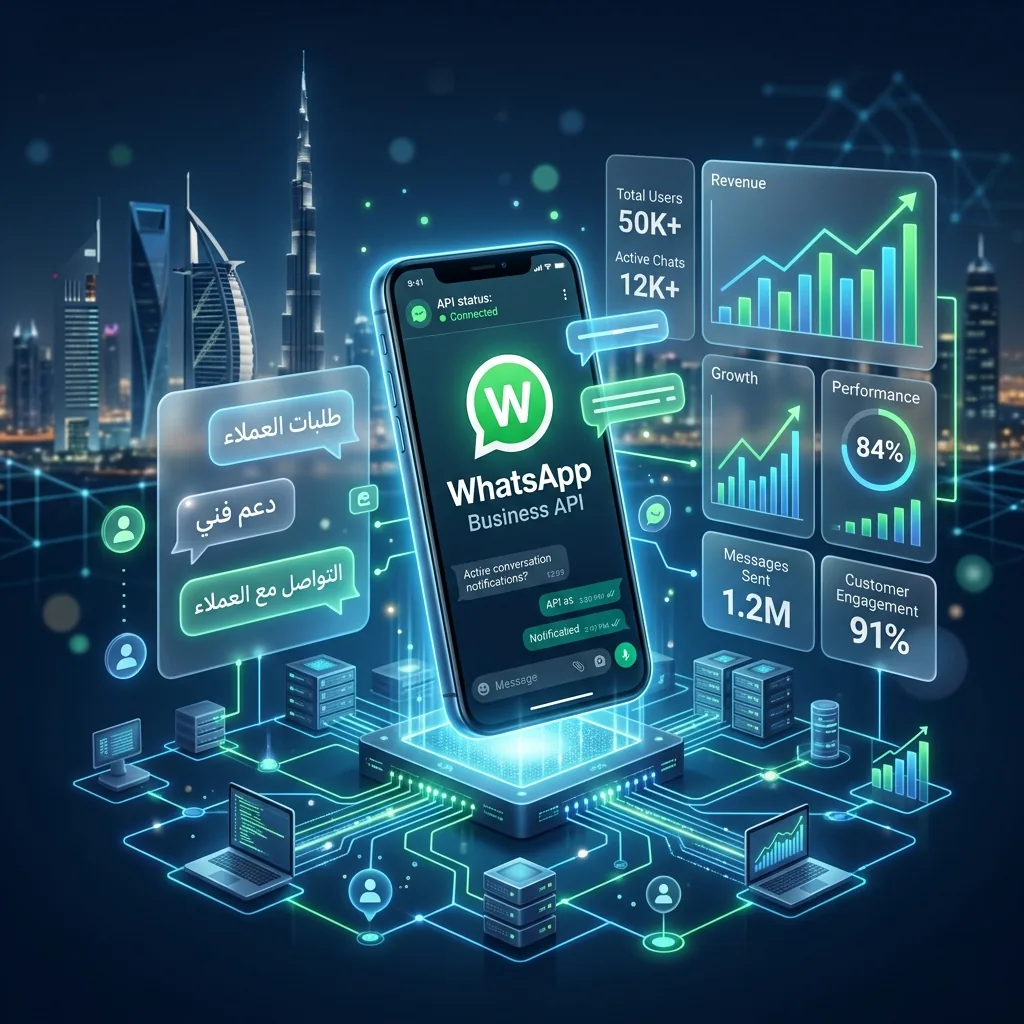
Imagine your customer support team drowning in hundreds of unread messages spread across multiple phones. Clients are frustrated waiting hours for a simple reply, and your sales representatives are losing valuable leads because they simply cannot keep up with the volume. This is a common bottleneck for growing companies, especially in regions where messaging apps are the primary mode of communication. When a single mobile phone is no longer enough to handle your company's communication needs, it is time to look at enterprise-grade infrastructure.
For mid-to-large organizations operating across Muscat, Dubai, and Riyadh, maintaining rapid and professional communication is non-negotiable. Customers expect instant answers whether they are inquiring about a product's price, checking a delivery status, or booking a consultation. This is exactly where advanced messaging architecture comes into play, allowing entire teams to collaborate seamlessly while connecting directly to your existing software tools.
What exactly is the WhatsApp Business API?
The WhatsApp Business API is a programmable backend interface that allows mid-to-large companies to connect their customer communication software directly to WhatsApp's global servers.
Unlike standard mobile applications that you download from an app store, an API (Application Programming Interface) has no graphical user interface of its own. It is simply a bridge of code. To actually read and reply to messages, your company connects this bridge to a centralized dashboard—such as a CRM (Customer Relationship Management) system or a shared team inbox. This allows dozens of support agents to simultaneously manage incoming chats from a single official business number.
For example, a major retail chain in Oman might connect the API to their inventory system. When a customer messages to ask if a specific item is in stock in their Sohar branch, the system can automatically query the database and reply instantly without human intervention. This level of integration is impossible with the standard consumer or small business apps.
How does it differ from the free Business App?
The free WhatsApp Business App is a standalone application designed for micro-businesses, while the API is a scalable enterprise solution for managing high volumes of automated and team-based messaging.
If you run a local bakery with two employees, the standard Business App is perfectly fine. It allows you to set up a basic catalog, automated away messages, and quick replies. However, it is restricted to being actively used on a maximum of four linked devices and one primary phone. Once you scale to a customer service team of 10, 20, or 50 people, the free app becomes a massive liability. You cannot track which agent answered which query, there are no analytics, and you cannot deploy intelligent chatbots.
The API removes all these restrictions. By integrating with enterprise software, you can route specific technical questions to your IT support desk while directing sales inquiries straight to your sales team. A recent industry report noted that companies migrating to API-based team inboxes often see a 40% reduction in average response times because tickets are automatically assigned to the right department.
What are the core capabilities of the API?
The core capabilities of the API include multi-agent access, automated CRM data syncing, programmable AI chatbots, and the ability to send bulk transactional or marketing broadcasts.
One of the most powerful features is the ability to send proactive notifications. If an e-commerce company in the UAE wants to update a customer about their package shipment, the API can automatically trigger a customized template message the moment the delivery status changes in their logistics software. These are known as utility templates.
Furthermore, the API allows for rich conversational experiences. You can build interactive menus with clickable buttons and list messages, guiding users through complex flows like booking an appointment or troubleshooting a router issue. This is significantly more engaging than forcing customers to type numbers to navigate a clunky text menu.
How do pricing and billing work?
Pricing for the WhatsApp Business API operates on a pay-per-conversation model, where costs vary depending on the customer's country code and whether the conversation is initiated by the business or the user.
Meta (the parent company) defines a "conversation" as a 24-hour window that begins the moment a message is delivered. Within this window, businesses and customers can exchange an unlimited number of messages. The charges are categorized into four types: Marketing, Utility, Authentication, and Service (user-initiated).
For instance, if a customer in Saudi Arabia messages your support line, a Service conversation opens, which is typically charged at a lower rate than if you were to proactively send them a Marketing broadcast. It is important to note that the API itself is usually accessed through a third-party Business Solution Provider (BSP), who may also charge a monthly platform fee or a small markup per message on top of Meta's base rates.
Is the API compliant with regional data laws?
When properly configured using certified providers, the API complies with regional data protection frameworks, including the Omani Personal Data Protection Law (PDPL), by ensuring secure encryption and mandatory user consent.
Data sovereignty and privacy are critical concerns for GCC businesses. The messages transmitted through the API are end-to-end encrypted in transit. To maintain compliance with the Omani PDPL, businesses must ensure they collect explicit opt-in consent from customers before sending any proactive marketing messages. This consent can be gathered via your website, a digital form, or an initial chat interaction.
Additionally, many enterprise BSPs allow you to host your data on local servers within the GCC or configure data masking policies to ensure sensitive information like credit card numbers or civil IDs are not exposed in plaintext to your customer service agents.
How do you implement AI chatbots with the API?
To implement AI chatbots, you connect the WhatsApp API to a natural language processing platform (like OpenAI) through your CRM, allowing the system to comprehend and respond to customer queries autonomously.
This is where the true ROI of the API is realized. Instead of human agents answering the same repetitive questions about store hours or pricing tiers, an intelligent agent can handle the bulk of inquiries 24/7. When a user asks a complex question that the bot cannot resolve, the system can seamlessly hand over the conversation to a human agent, providing them with the full chat history.
Aligning with Vision 2040's push towards digital transformation, many Omani enterprises are deploying these intelligent systems to modernize their operations and provide world-class customer experiences without dramatically increasing headcount.
In summary, transitioning to the API is a strategic move for any growing organization. It transforms a simple messaging app into a robust, trackable, and automated customer relationship powerhouse. While it requires an initial setup investment and ongoing per-conversation fees, the ability to centralize communications and deploy intelligent automation far outweighs the costs for companies processing high volumes of inquiries.